
Short-Form Video Creators
Create consent-based character swaps, reaction clips, or parody videos for TikTok, Reels, and Shorts. Trim the exact moment you need before generating.
Our Video Face Swap tool, create an AI face swap video online unlimited. Start free with no sign-up, upload a video and face photo, trim your clip, and swap single or multiple faces.

Create consent-based character swaps, reaction clips, or parody videos for TikTok, Reels, and Shorts. Trim the exact moment you need before generating.
Turn movie, game, or anime scenes into personalized jokes and fan edits. Clear source footage and a well-lit face photo help produce a more consistent swap.
Test casting, spokesperson, or localized creative ideas before a reshoot. Confirm that you have the rights and permission required before publishing or using a result commercially.
Personalize birthday, party, team, or community recap videos. Switch to Multiple mode when a clip includes several people who need different replacement faces.
Explore alternate characters, casting ideas, and storyboards in the browser before committing to a final edit. Use the clip controls to test the most important section first.
Add an MP4, WEBM, or MOV video under 300MB, then upload a clear JPG, PNG, WEBP, or HEIC face photo under 20MB.
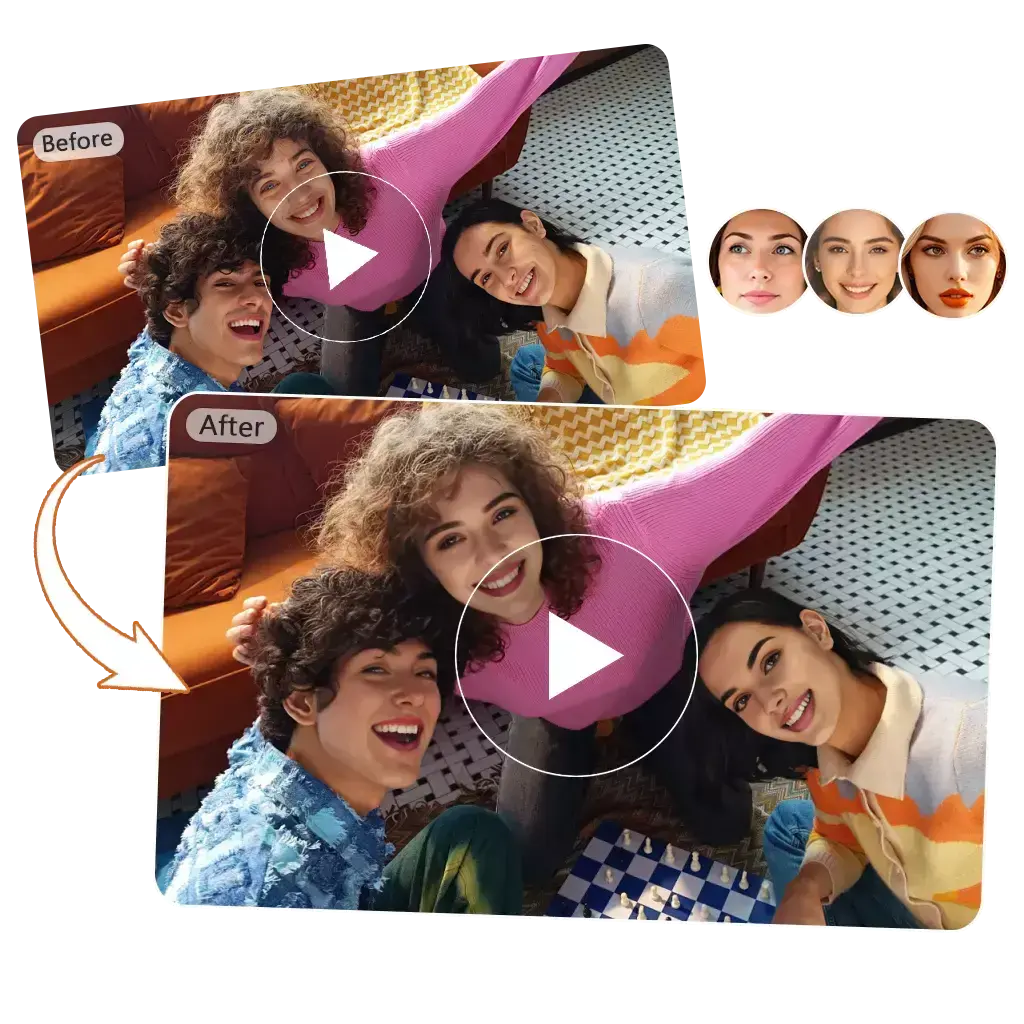
Set the start and end points before generating. The editor offers a free output of up to 60 seconds and a credit option for longer clips.

Use Single mode to replace one face. For group footage, choose Multiple mode, detect the visible faces, and match a replacement photo to each person.
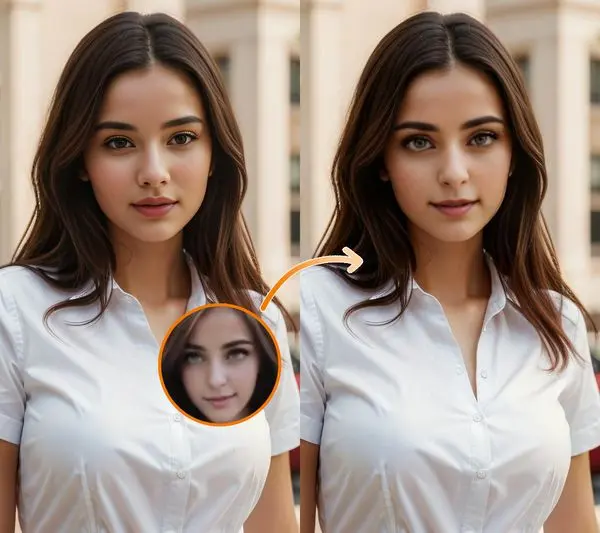
Check the generated result before sharing it. If a face is blurred, covered, turned sideways, or overlaps another person, try a clearer frame or a replacement photo with a similar angle and lighting. Use only media and likenesses you have the right and permission to edit.
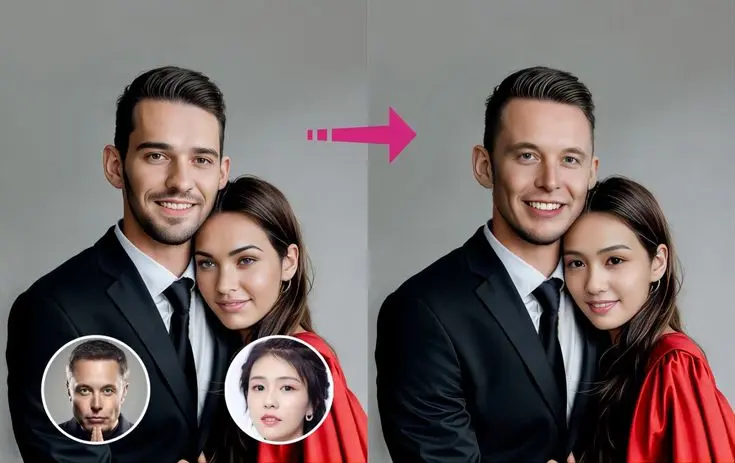
Start with a video and a clear face photo. Use the free option for a short test, then review the result before downloading or choosing credits for a longer edit.
A video face swap replaces a visible face in a clip with a face from another image. VideoSwapFace processes the selected clip across frames, then returns a generated result for you to review and download.
Upload the target video, add a clear replacement face photo, trim the clip, and choose Single or Multiple mode. Select the free or credit generation option, then review the result in My History.
Yes. The video editor shows a free generation option for an output of up to 60 seconds. Longer clips or higher-volume use can require credits, and the current cost is shown in the editor before generation.
No. You can try free generation as a guest. Guest creations expire after 2 hours; signing in saves future creations for 2 days.
The video uploader accepts MP4, WEBM, and MOV files under 300MB. A single replacement face can be a JPG, PNG, WEBP, or HEIC image under 20MB.
Yes. Choose Multiple mode, select a frame for face detection, and match one replacement photo to each detected face before generating.
Use footage where the face is clear and not heavily blurred or covered. Choose a replacement photo with a similar angle and lighting, preview the important section, and try a clearer input if faces overlap or turn away from the camera.
Only when you have the rights to the source video, replacement face image, and likenesses shown, and your use follows the Terms and applicable law. Review the output before using it publicly, commercially, professionally, or in a sensitive context.
Uploaded media is used to provide the requested face swap service and related service operations. The Privacy Policy states that uploaded media and outputs are not used to train AI models without your consent.