
01
Upload a Model Photo
Add a JPG, PNG, or WebP image under 10 MB. A clear, well-lit photo with the person visible gives the tool a stronger starting point.
Upload a model photo, choose an outfit and background, then generate a new look with our free AI clothes changer. Add custom references or an optional prompt for more control.
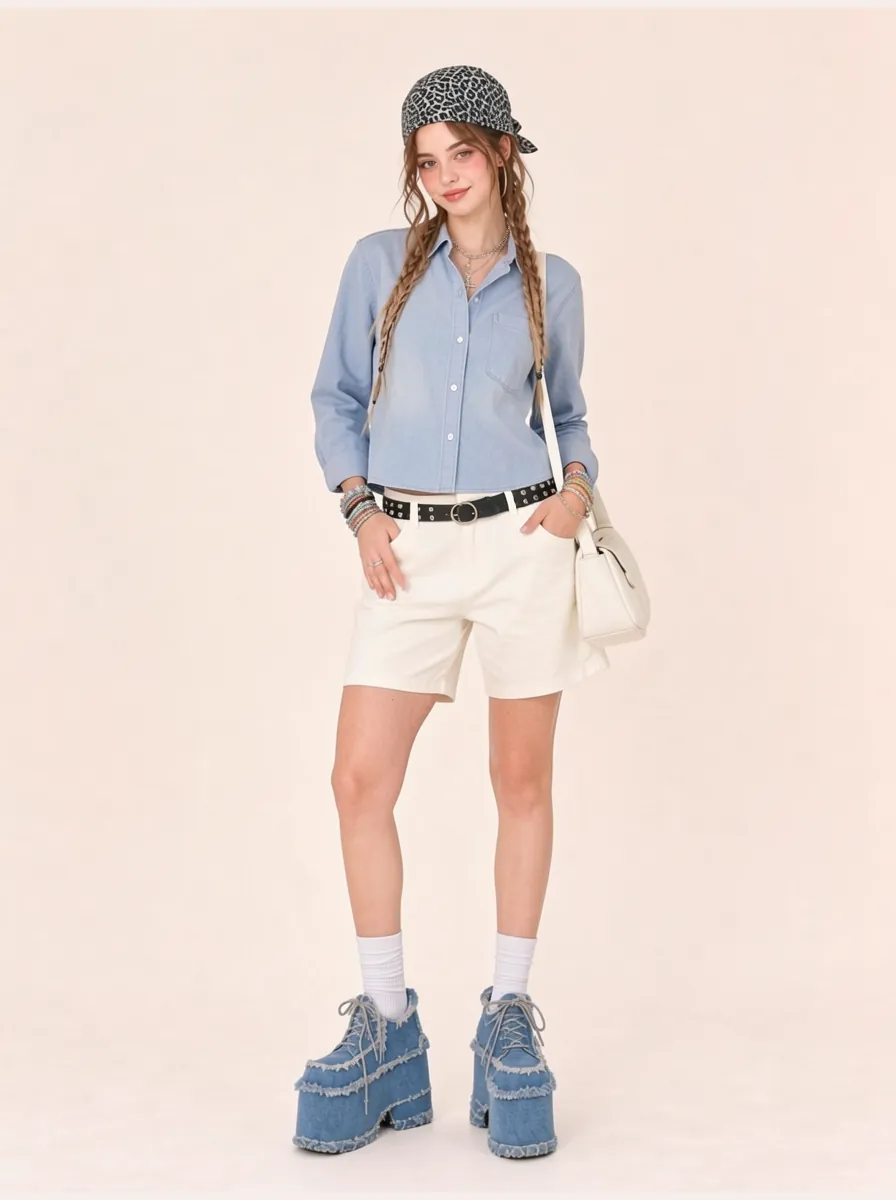
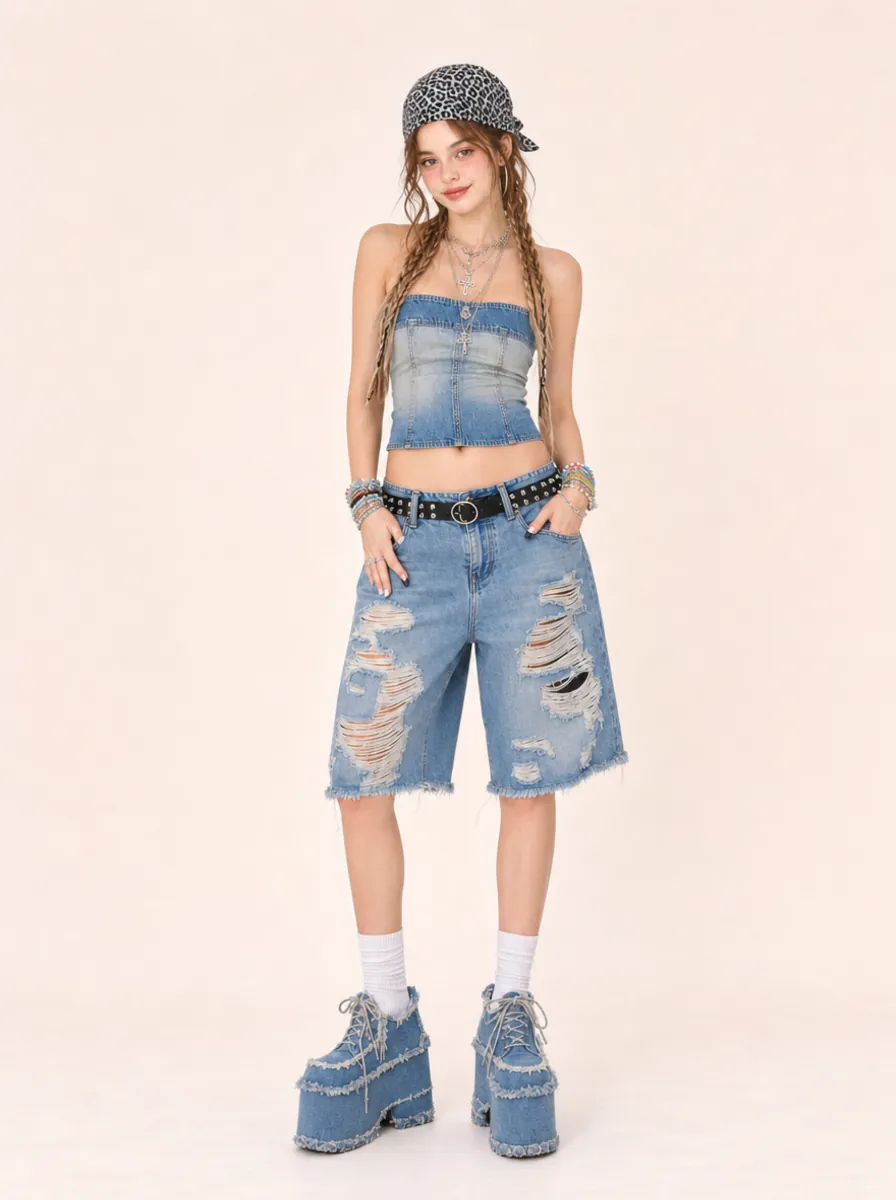
Add a JPG, PNG, or WebP image under 10 MB. A clear, well-lit photo with the person visible gives the tool a stronger starting point.
Keep the original clothing and scene, choose from the available presets, or upload custom outfit and background references.
Add an optional prompt, choose an aspect ratio, generate the image, then review and download it from your history.
Keep the original clothing, choose an outfit preset, or upload a custom outfit image to guide the new look.
Keep the original background, choose a scene preset, or upload a custom background reference.
Add extra styling direction when needed and choose square, portrait, landscape, wide, or input-matched proportions.
Sign in to use the available daily free generation allowance shown by the tool.
Preview different colors, silhouettes, and outfit styles as visual inspiration before choosing a direction.
Explore suits, blazers, uniforms, and other professional clothing ideas for portrait images.
Create alternate outfits for profile images, themed posts, and visual storytelling without a new photo for every idea.
Test garments, accessories, costumes, and color combinations for mood boards and early creative direction.
Turn a casual portrait into a clean professional concept with structured clothing and restrained details.
Prompt
Restyle the person in a tailored navy suit with a white shirt, minimal accessories, and natural studio lighting. Keep the overall portrait polished and professional.
Explore an everyday outfit with soft layers, comfortable materials, and a simple color palette.
Prompt
Give the person a relaxed weekend outfit with a light denim jacket, plain cotton T-shirt, straight-leg trousers, and neutral sneakers in soft daylight.
Create a more expressive outfit for an evening event, themed portrait, or social post.
Prompt
Create an elegant evening outfit with deep emerald fabric, subtle metallic details, refined accessories, and warm event lighting.
An AI clothes changer generates a new image from a model photo, an outfit choice, and an optional background or prompt. It helps you explore clothing styles and scenes in one workflow.
Yes. Sign in to access the daily free generation allowance available in the tool. The allowance is limited and may change, so check the current status before generating.
Yes. A model photo is required. Use a clear JPG, PNG, or WebP image under 10 MB with the person visible.
The model photo is required. You can also upload one custom outfit image and one custom background image. Each file must be JPG, PNG, or WebP and under 10 MB.
Yes. Choose the custom outfit option and upload the outfit image. Generated colors, materials, shapes, and smaller details may still vary.
Not always. Reference images and a focused prompt can guide the result, but generated images may change the face, pose, body, background, or clothing details. Review every result before sharing it.
No. The result is a visual outfit preview, not a size recommendation or physical fitting simulation. Do not use it to judge garment measurements, comfort, or actual fit.
Use only source images and references you have permission to use. Before commercial use, review the current Terms of Service and confirm that you have the necessary rights.
Upload a model photo, choose an outfit and background, and generate a new look with optional custom references or styling instructions.