
Upload the original photo
Add the photo that contains the face you want to replace. A clear, front-facing photo gives the tool better detail to work with.
Create a free AI head swap online with our single-photo face swap tool. Upload a photo and a replacement face to make a natural-looking edit in your browser.
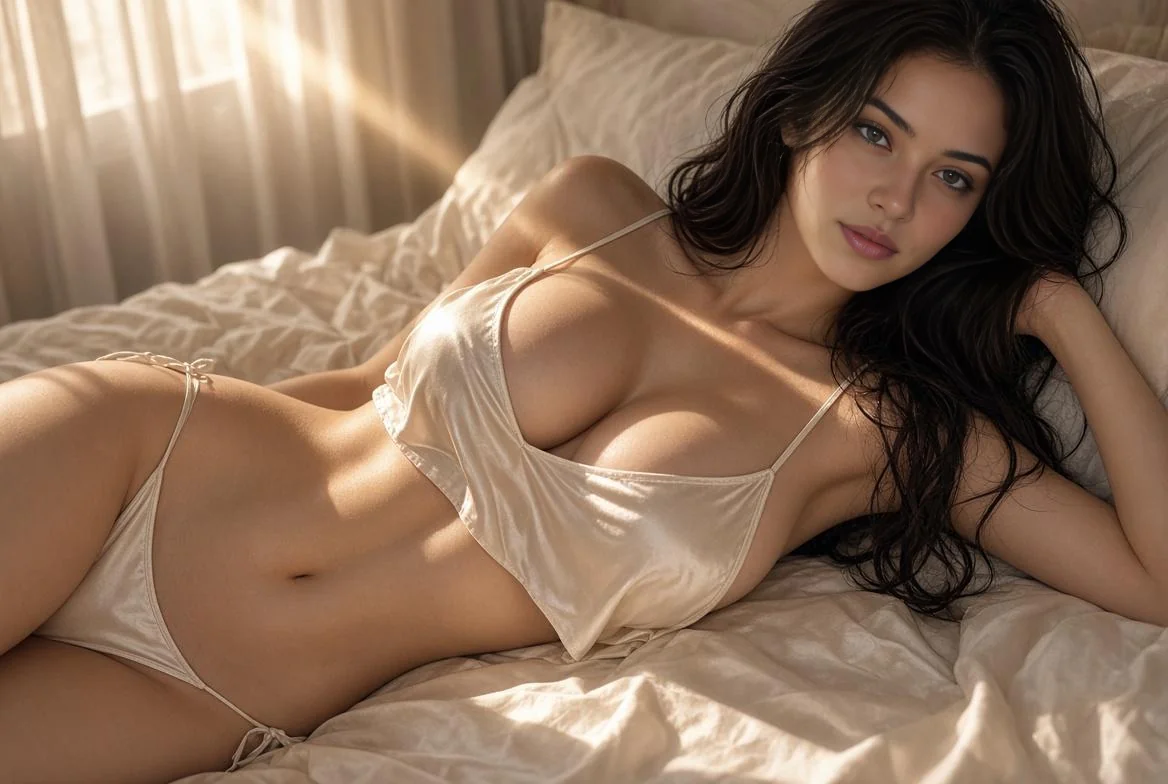
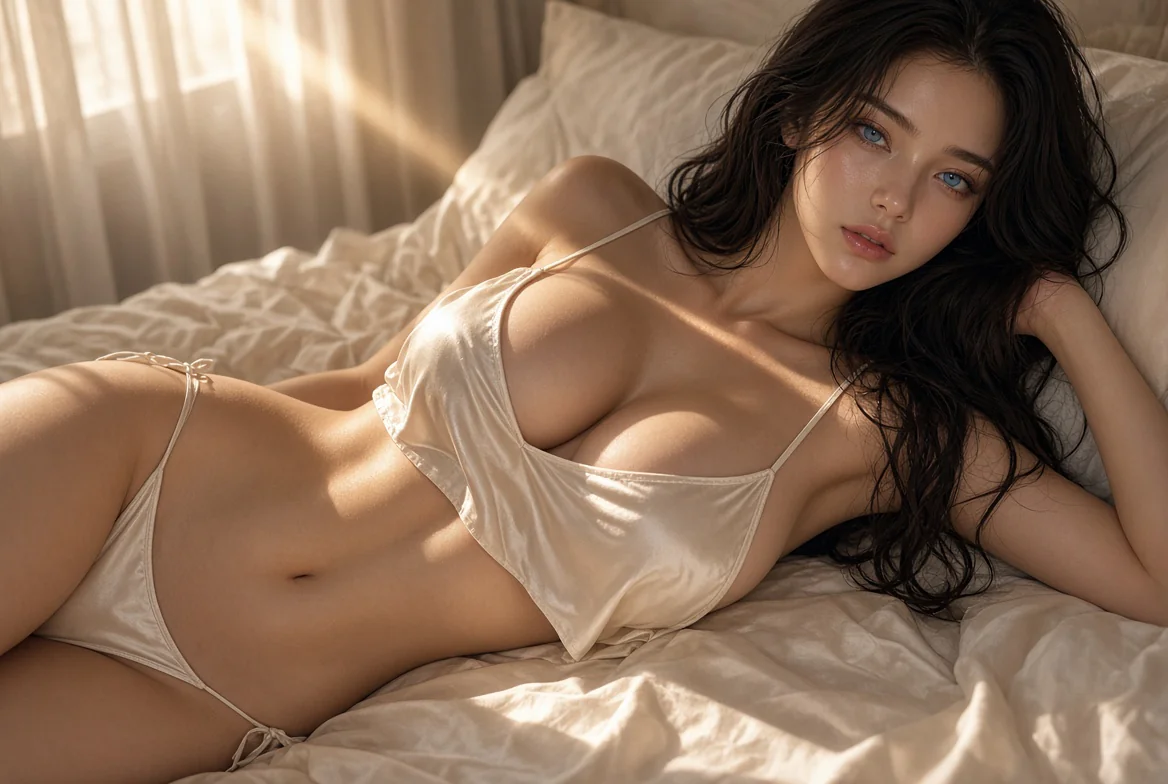
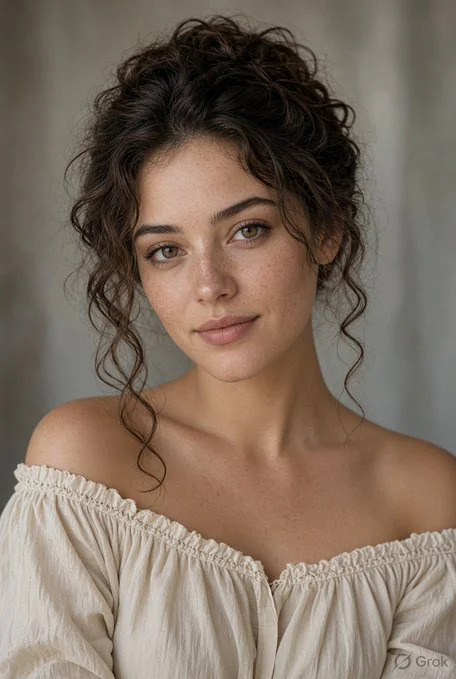
Add the photo that contains the face you want to replace. A clear, front-facing photo gives the tool better detail to work with.
Upload a clear photo of the face you want to use. Choose a similar angle and lighting when possible.
Start the swap, review the result in your history, and download the image when it looks right.
Try a different face in a single portrait while keeping the original composition and background.
Make consent-based parody, fan-style, or social images without manual cutouts.
Explore casting or character concepts before committing to a final visual direction.
Create an alternative for a single-person photo when you have permission to edit the source images.
Use an original photo that is sharp and well lit, without heavy blur, filters, or face coverings.
Match the replacement face photo to the original photo's angle and lighting as closely as possible.
Use photos where the face is fully visible. Extreme profiles, hands, hair, or objects across the face can reduce accuracy.
Review every result before sharing. This workflow replaces a face, not the entire head, hairstyle, or head shape.
Only edit photos you have the right to use and people who have agreed to the edit. Do not use face swaps to impersonate someone, deceive viewers, harass people, or create explicit content involving real people.
No. This page uses a single-photo face swap workflow. It is designed to replace a selected face and does not guarantee replacement of hair, head shape, or the entire head.
You can start with the free generation option shown in the editor. Some enhanced or higher-volume use may require credits.
No. The AI head swap workflow runs online in your browser.
The photo uploader accepts PNG, JPG, JPEG, WEBP, and HEIC images. It will show a validation message if a file cannot be used.
Use sharp images with one clearly visible face. Similar camera angle, expression, and lighting between the two photos usually produce a more natural face swap.
Only if you have the rights to the original image, the replacement face image, and the people shown. Get permission before using a result for commercial purposes.
Upload an original photo and a replacement face to start a single-photo face swap in your browser.