Describe your idea and turn a text prompt into an original NSFW video.
NSFW AI Video Generator
Turn written ideas into original AI-generated videos with an advanced NSFW AI Video Generator. Describe the subject, environment, movement, camera direction and visual atmosphere you want to create, then let AI transform your prompt into a complete video concept. From fictional character scenes to stylized visual experiments, the generator gives artists and creative professionals a flexible way to explore NSFW video creation without filming footage or building every frame manually.
How to Use the NSFW AI Video Generator
01
Describe Your NSFW Video Concept
Enter a prompt describing the fictional subject, setting and main action you want to generate. Include relevant visual details such as lighting, atmosphere, camera framing and artistic direction so the NSFW AI Video Generator can interpret the complete scene.
02
Define Motion and Video Style
Explain how the subject should move, how quickly the action should develop and whether the camera should remain stable or move through the scene. You can also specify a realistic, cinematic, illustrated or stylized NSFW video aesthetic.
03
Generate and Refine the Video
Create the first NSFW AI video and review its motion, composition and visual consistency. Refine the prompt by simplifying the action, clarifying the camera direction or strengthening the most important style instructions.
Generate Original NSFW AI Videos from Text Prompts
NSFW Text-to-Video Generation
Start with a written idea rather than an existing video or image. The AI analyzes the scene, subject and movement described in the prompt and generates a new NSFW video based on that creative direction.
Create Fictional Video Concepts
Develop original characters, environments and visual scenarios directly through text. This makes the NSFW video generator useful during concept development, visual experimentation and early creative production.
Prompt-Based Motion Control
Describe subject movement, pacing and scene development in natural language. Focus on one primary action and a clear sequence of events to give the NSFW AI Video Generator a more coherent direction.
Guide Camera and Composition
Include framing and camera instructions in the prompt to influence how the generated scene is presented. Depending on model capabilities, you may describe stable framing, close composition, gradual movement or cinematic camera behavior.
Explore Multiple Visual Styles
Generate different interpretations of the same NSFW video idea by changing the artistic direction. Explore realistic, cinematic, fantasy-inspired, illustrated or stylized treatments without reshooting or rebuilding a scene manually.
Create Multiple Video Variations
Revise the wording and generate several versions from the same core concept. Compare variations in character presentation, movement, atmosphere and pacing before choosing a preferred result.
Advanced AI Technology for NSFW Video Generation
The NSFW AI Video Generator interprets text prompts as a combination of visual, motion and timing instructions. It generates a sequence of frames that attempts to maintain continuity while developing the requested scene over time. Prompt clarity, movement complexity and selected settings can all influence the final result.
How to Write a Better NSFW Video Prompt
Begin with the main subject and environment, followed by one clear action. Then describe the camera direction, lighting, pacing and overall visual style. For more consistent NSFW AI video generation, avoid combining several unrelated actions or major scene changes in a single short clip.
Example structure
A fictional character in a cinematic interior, performing one clearly defined movement, stable close framing, soft dramatic lighting, realistic visual style.
Recommended prompt structure
Subject + Setting + Main Action + Camera Direction + Lighting + Visual Style
01
Create NSFW Videos without a Traditional Production Setup
Explore video concepts without cameras, actors, physical sets or a conventional editing timeline. The text-to-video workflow helps creative professionals test fictional scenes, movement ideas and visual styles before committing additional production resources.
02
Creative Applications for NSFW AI Videos
Use the NSFW AI Video Generator for fictional character scenes, cinematic concept development, animated visual ideas, mature digital storytelling and creative video experiments. Generated clips can support mood exploration, visual prototyping and compatible content-production workflows.
03
Optional Visual Reference
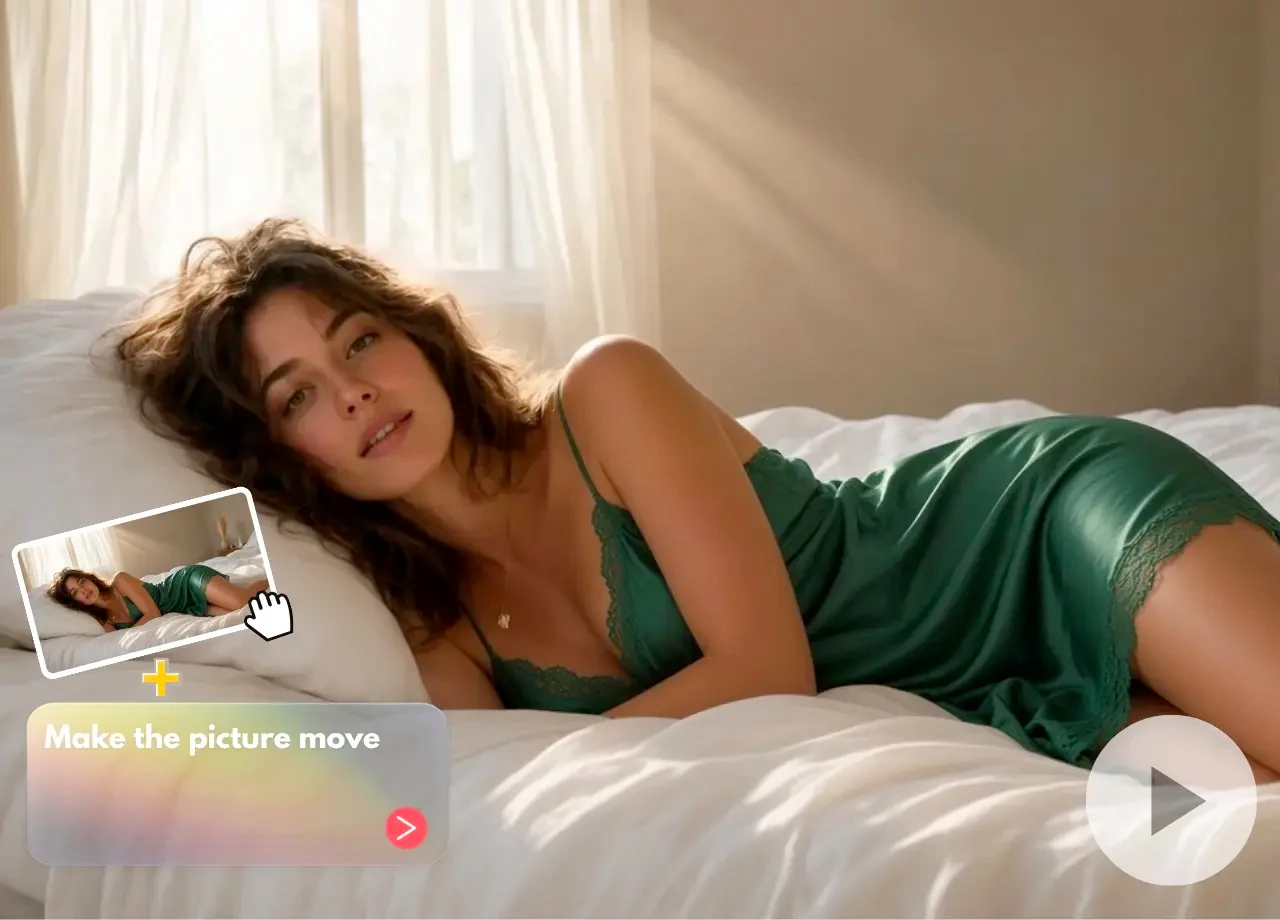
If the product supports reference images, creators may add an original visual to guide character appearance or style. However, this remains an optional enhancement: the principal search intent of this page is generating an NSFW AI video from a text prompt.
Frequently Asked Questions
What is an NSFW AI Video Generator?
An NSFW AI Video Generator is a text-to-video tool that creates original NSFW videos from written prompts. Users describe the subject, setting, action and visual style, and the AI generates a new video based on those instructions.
How does NSFW text-to-video generation work?
The system analyzes visual descriptions and motion instructions contained in the prompt. It then generates a sequence of frames that attempts to represent the requested NSFW video concept over time.
Do I need to upload an image first?
Not for the core text-to-video workflow. You can begin with a written prompt. If optional image-reference functionality is available, it may provide additional visual guidance but is not required to generate a video.
How is this different from NSFW AI Image to Video?
The NSFW AI Video Generator creates a new scene primarily from text. NSFW AI Image to Video begins with an existing image and focuses on adding prompt-guided movement while preserving its visual identity.
What should I include in an NSFW video prompt?
Describe the main subject, environment, one primary action, camera behavior, lighting and overall video style. Focused instructions usually produce more coherent results than several unrelated actions.
Can I control the generated movement?
You can guide movement through the text prompt by describing the action, speed and pacing. The level of control depends on the selected AI model and the complexity of the requested scene.
Can I choose a realistic or illustrated style?
You can describe the intended style in the prompt and use available model settings. Supported outputs may include realistic, cinematic, fantasy-inspired, illustrated and stylized video aesthetics.
Why does the generated NSFW video change between frames?
Text-to-video models generate new frames while interpreting the prompt over time. Complex movement, long scenes and competing instructions can introduce changes in character appearance or background details.
How can I improve video consistency?
Keep the scene focused, request one main action and avoid sudden environmental changes. Use clear camera instructions and generate shorter variations before attempting more complex sequences.
Can I use generated NSFW videos in professional projects?
Professional and commercial use depends on the product terms, selected model and any reference material used. Review the current license before publishing or monetizing generated videos.
Can I edit the generated video afterward?
Yes. Generated clips can be incorporated into compatible editing workflows for trimming, sequencing, captioning, sound design and other post-production adjustments.
Turn Your Ideas into Original NSFW AI Videos
Describe the scene, movement and visual style you want to explore, then generate a new video directly from your text prompt.