NSFW Image to Video

Upload an NSFW image and create a new animated version in a few simple steps.

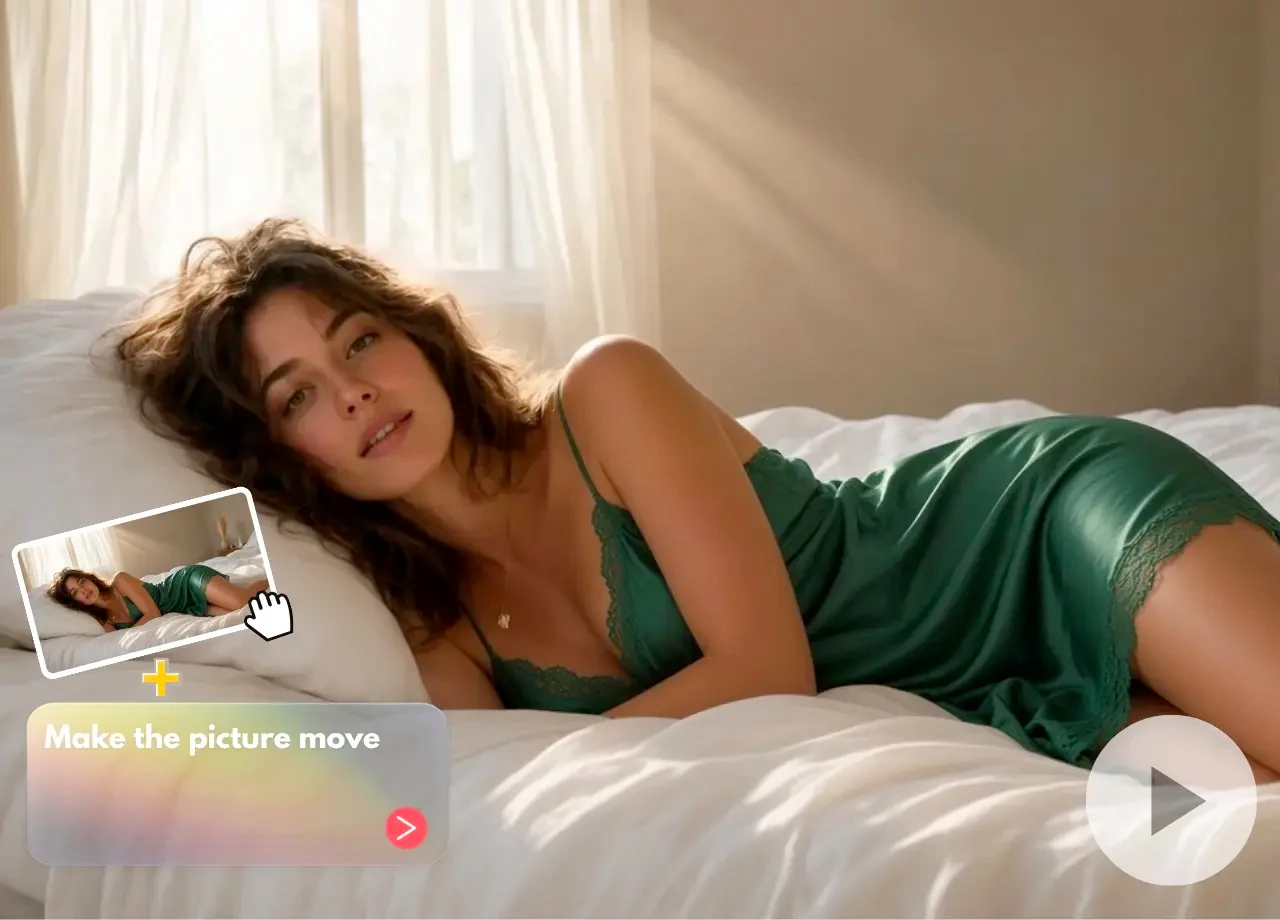
NSFW image to video example turning a still image into motion
NSFW Image to Video

Turn a static NSFW image into an expressive short video with an AI-powered NSFW Image to Video tool. Upload your existing artwork, select the type of movement you want and let AI generate new frames based on the original visual. The streamlined workflow helps artists and content creators animate NSFW images without manually building keyframes or using a traditional video-editing timeline.

How to Convert an NSFW Image to Video

01

Upload Your NSFW Image

Select a clear NSFW image with a visible subject and coherent composition. High-quality artwork with stable lighting, defined details and sufficient surrounding space generally provides a stronger starting point for NSFW image animation.

02

Choose the Animation Style

Select an available effect or describe the movement you want to introduce. Match the motion to the source NSFW image so the generated video feels connected to the original subject and composition.

03

Generate Your NSFW Video

Start the NSFW image-to-video conversion and preview the resulting clip. If the subject changes too much, try a simpler movement or use a clearer source image for the next generation.

Bring NSFW Images to Life with AI Animation

Animate Existing NSFW Artwork

Start with a finished NSFW image instead of generating a completely new visual. The uploaded image provides the subject, colors, composition and overall aesthetic for the animated result.

Simple NSFW Image-to-Video Conversion

Transform NSFW artwork into video without manually creating animation layers or keyframes. Upload the image, choose a movement and generate a short video through a simplified workflow.

Maintain the Original NSFW Visual Style

The NSFW Image to Video tool uses the source image as its primary visual reference. This helps the result remain connected to the original style while introducing movement across newly generated frames.

Create Multiple Motion Variations

Generate several NSFW video interpretations from the same source image. Compare subtle movement, expressive animation and different pacing to identify the version that best supports the artwork.

01

AI-Powered NSFW Image Animation

The tool analyzes the subject, composition and visual relationships inside an NSFW image before generating a sequence of new frames. The AI predicts how the subject and environment may move while using the uploaded image as the visual foundation.

02

Choose the Right NSFW Image for Animation

Use an NSFW image with a clear subject, stable anatomy, consistent lighting and enough space around areas expected to move. Extremely compressed files, visual obstructions and distorted source details may reduce video consistency.

03

From NSFW Artwork to Video without a Traditional Timeline

Creators can test animation ideas without reconstructing the scene in conventional editing software. This makes the NSFW Image to Video workflow suitable for visual experiments, concept previews and short-form creative production.

04

Creative Uses for NSFW Image-to-Video Content

Animate fictional characters, original NSFW illustrations, AI-generated NSFW artwork and other authorized creative assets. Generated clips can support concept development, visual storytelling, private creative projects and compatible content workflows.

Frequently Asked Questions

What is an NSFW Image to Video tool?

It is an AI-assisted tool that transforms a static NSFW image into a short video. The source image defines the visual foundation, while the system generates motion across new frames.

What NSFW images work best?

Clear, high-resolution NSFW artwork with a visible subject and consistent lighting generally works best. Complex backgrounds and obstructed subjects may make the generated motion less stable.

Do I need animation experience?

No. The basic NSFW image-to-video workflow only requires a source image and a selected or described movement.

Will the NSFW video match the original image?

The source image guides the generated clip, but AI animation may introduce changes in textures, character details or background elements.

How can I improve NSFW video consistency?

Use a clear image, choose one primary movement and avoid combining several complex actions. Subtle animation usually requires fewer visual changes.

Can I animate AI-generated NSFW artwork?

Yes. Original NSFW AI artwork can provide a useful source image, especially when its subject, composition and lighting are clearly defined.

Can I upload an NSFW image created by another artist?

Only upload artwork you own or have permission to use. Users remain responsible for the rights associated with uploaded NSFW images.

Can I add more control to the generated movement?

For more detailed control over subject movement, camera behavior and pacing, use a prompt-based NSFW AI Image to Video workflow.

Animate Your NSFW Artwork

Upload a static NSFW image, choose a motion direction and transform it into a short AI-generated video.